Why Click & Collect Is a Game-Changer for Food Trucks
The queue is the main barrier to impulse purchases at a food truck. According to a 2025 study by the FEDA (European Mobile Catering Federation), 42% of customers who walk past a food truck without stopping cite "the queue is too long" as the top reason. Click & collect solves this at the root: the customer orders from their phone 30 minutes in advance, arrives, picks up their meal and is gone in under 2 minutes.
For you as a food trucker, the benefits are twofold: you smooth out order peaks (no more unmanageable rush between 12:15 and 12:45) and you secure revenue by knowing a portion of your volume before the service even begins.
The 3 Click & Collect Models for Food Trucks
Model 1 — Simple Pre-Order (Fixed Pick-Up Slot)
The customer chooses their meal the day before or in the morning, selects a time slot (e.g. 12:00, 12:30 or 13:00), pays online and picks up their order at the agreed time. This is the simplest model to operate and the most suited to food trucks working in business parks.
Advantages: maximum visibility on quantities, zero waiting for the customer. Limitation: the customer must plan ahead — not well suited to very impulse-driven markets.
Model 2 — Real-Time Ordering (Uber Eats Model Without Delivery)
The customer orders from your online page or an app, the order arrives directly on your screen or thermal printer, and a notification alerts them when it is ready. Average lead time: 10 to 15 minutes.
Advantages: spontaneous, excellent customer experience, suited to festivals and events. Limitation: requires a real-time order management tool and a reliable network connection.
Model 3 — Weekly Meal Subscription
Repeat customers (employees from a nearby company, loyal subscribers) sign up for a package of X meals per week. They receive a notification the evening before with the next day's menu and confirm their order in one tap.
Advantages: predictable cash flow, zero waste on subscribed meals, maximum loyalty. Limitation: requires initial setup effort and regular communication.
Which Tools Should You Use?
Dedicated Food Truck / Mobile Catering Platforms
Several French platforms have specialised in online ordering for food trucks and mobile catering:
- Flipdish: full solution with white-label mobile app, POS integration, slot management. Price: around €50–€150/month depending on options.
- Obypay: French table-ordering and click & collect platform, good value for small operations. Price: from €39/month.
- Zelty: all-in-one POS software with an integrated click & collect module. Suited if you want to unify your till and online ordering.
- Laddition: POS + click & collect solution well-known in French food service.
The DIY Approach with a Payment Link
To start with no investment, you can simply:
- Create a Google Forms or Typeform form with your menu and a "time slot" field
- Integrate a SumUp Pay or PayPal.me link for payment
- Receive orders by email or SMS
Integration with FoodTracks
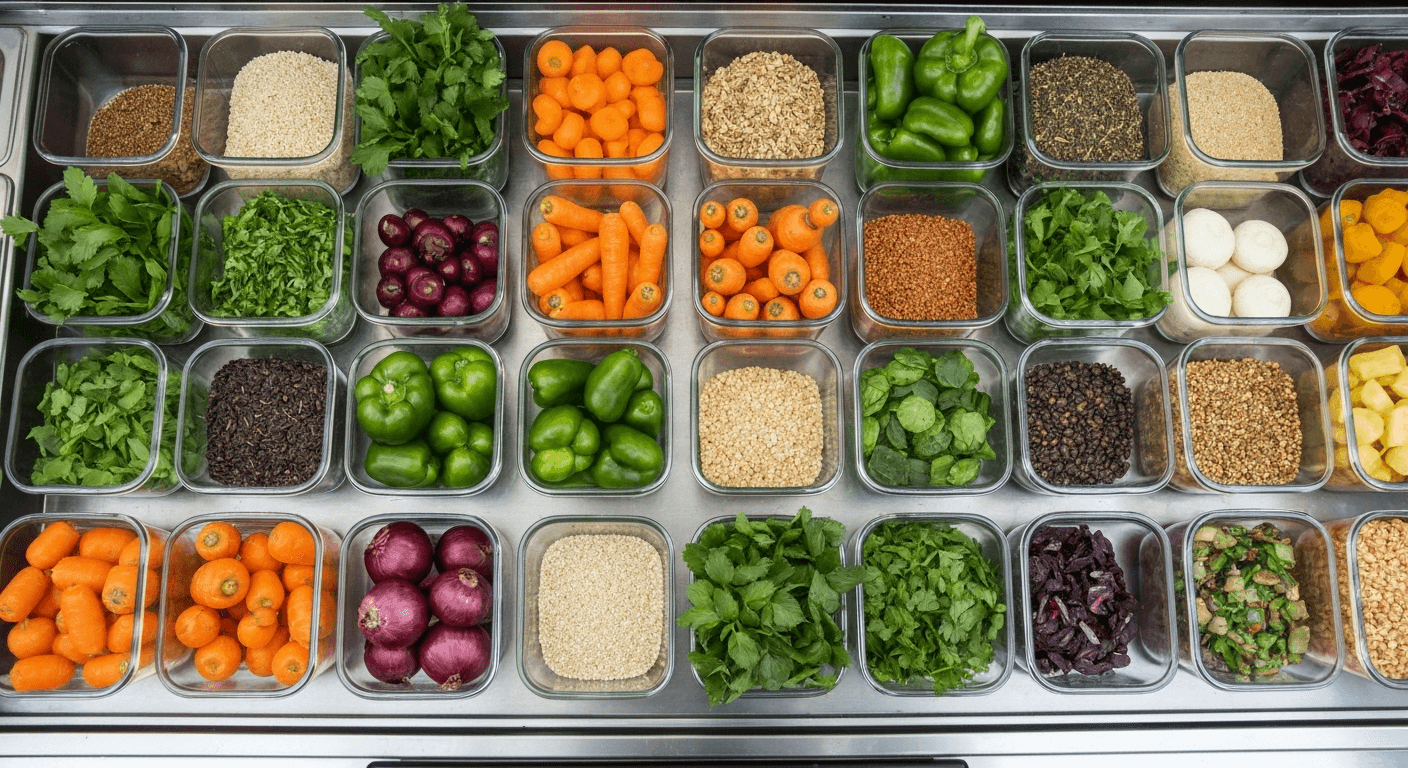
Whatever solution you choose, the key is to feed your stock management in real time. With FoodTracks, you can import your click & collect orders and automatically deduct them from your available stock. Result: you know in real time what is left to sell on the spot, with no risk of overbooking.
Concrete example: you have 40 burger portions prepared for lunch. 15 are already reserved via click & collect. FoodTracks shows 25 portions available for direct sale — and alerts you when stock drops below a critical threshold.
How to Set Up Click & Collect in 5 Steps
Step 1 — Define Your Click & Collect Offer
Don't necessarily put your entire menu online. Select the 3 to 5 most popular dishes that are easiest to prepare in advance. The goal is to optimise your preparation, not complicate your service.
Step 2 — Choose a Tool Suited to Your Volume
- Fewer than 10 orders/day: DIY solution (form + payment link)
- 10 to 50 orders/day: Obypay or Flipdish
- More than 50 orders/day: integrated solution with queue management and automatic notifications
Step 3 — Communicate on Your Existing Channels
Announce your click & collect launch on:
- Your Instagram and Facebook accounts (stories + pinned post)
- Your Google My Business profile (ordering link directly on your profile)
- A QR code displayed on your truck and packaging
- Local Facebook groups and nearby company platforms (intranet, company Slack)
Step 4 — Adapt Your Kitchen Organisation
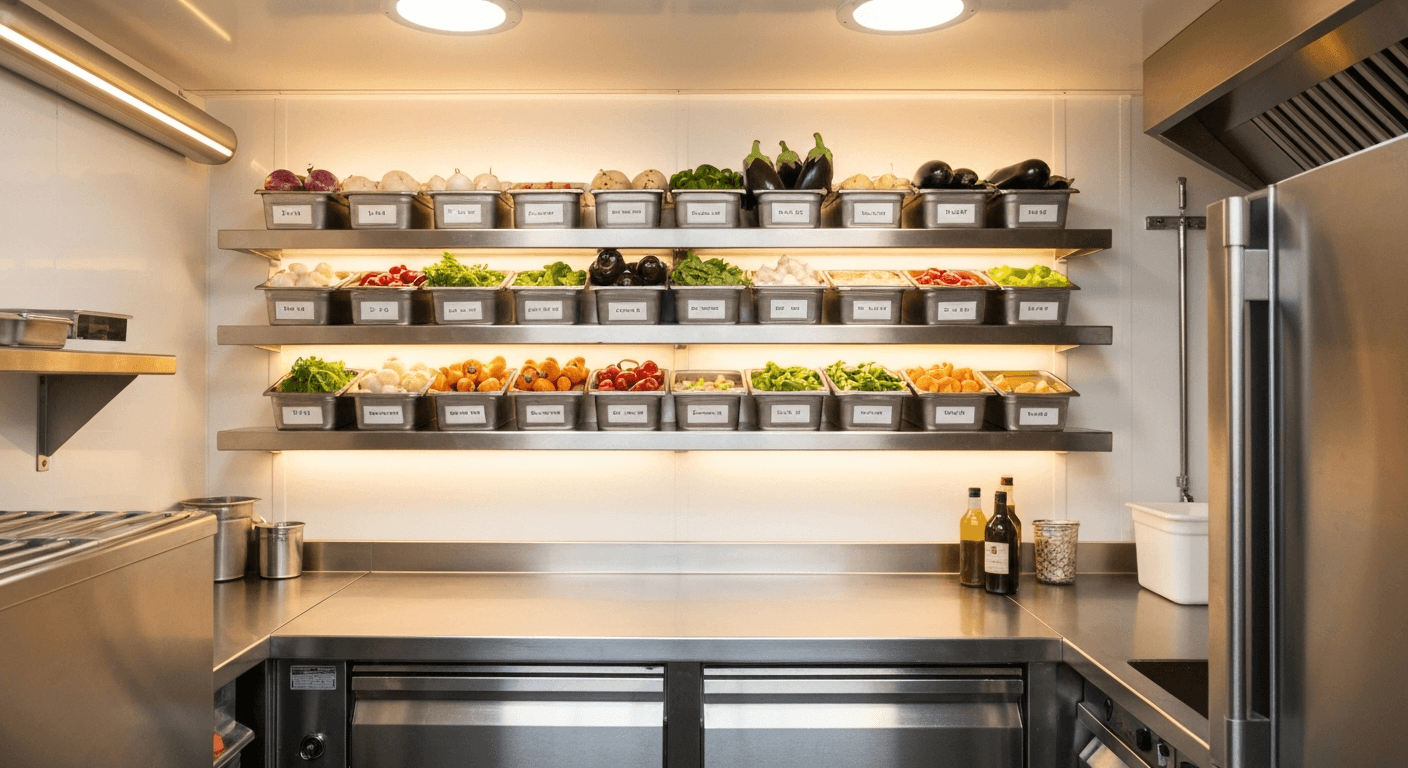
Click & collect order preparation must be physically separated from direct sales. Set up a "set-aside" area: named kraft paper bags with pick-up times, arranged in chronological order. A simple but essential organisation to avoid confusion in the middle of the rush.
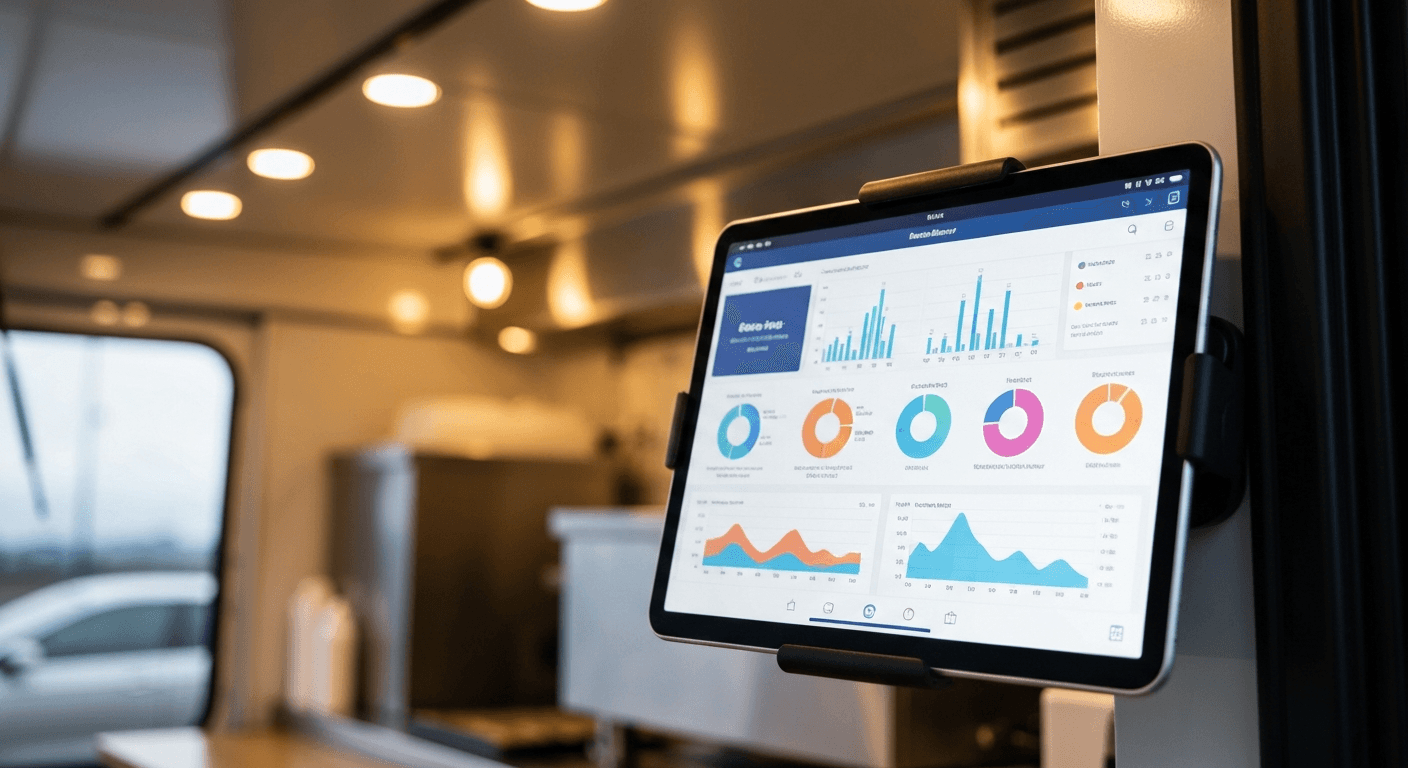
Step 5 — Measure and Optimise
After 2 to 4 weeks, analyse:
- The no-show rate (paid orders not collected)
- The average basket: click & collect vs direct
- The most popular time slots
- The renewal rate (are the same customers coming back?)
Mistakes to Avoid
Offering Too Much Choice
A click & collect menu that is too long slows down purchase decisions and complicates your preparation. Stick to 3 to 5 items maximum at the start.
Neglecting Notifications
A customer who is not notified that their order is ready will call you at the worst possible moment — in the middle of service. Make sure your tool sends automatic SMS or push notifications.
Ignoring Impossible Slots
Do not offer time slots you cannot honour. If your service starts at 11:30, avoid slots before 11:45. An order not ready on time destroys customer trust.
Forgetting to Update Availability in Real Time
If you run out of a dish, removing it from your online ordering page in real time is essential. This is where integration with your stock management software — like FoodTracks — makes all the difference.
What Impact on Your Revenue?
Food truckers who adopt click & collect report on average:
- +18 to 35% revenue increase at business-park locations (source: FoodTracks user feedback 2025)
- 20 to 30% reduction in waste thanks to better quantity forecasting
- 12% higher average basket on online orders (customers take more time to add extras — drinks, dessert)
Conclusion
Setting up click & collect for your food truck means turning a constraint (the queue) into a competitive advantage. With the right tools and adapted organisation, you can secure a portion of your revenue before each service, smooth your workload and retain your most regular customers.
FoodTracks helps you close the loop: your online orders automatically decrement your stock in real time, your stockout alerts are automatic and your sales reports integrate all your revenue streams — direct, click & collect, events.
Also read: Food Truck Delivery: Uber Eats, Deliveroo, Which Platform to Choose? · Digital Marketing for Food Trucks · Increase Sales Without Paid Advertising
Frequently Asked Questions
- Is click & collect suited to all types of food trucks?
- Click & collect is particularly effective for food trucks operating in business parks, on recurring fixed locations or in covered markets. It is less suited to very mobile trucks or those at very festive events where impulse buying dominates. In that case, the real-time model (order and pick-up in 10–15 min) remains a good fit.
- What is the average cost of setting up click & collect for a food truck?
- DIY solutions (Google Forms + payment link) are free but manual. Dedicated platforms like Obypay start at €39/month, Flipdish between €50 and €150/month. For a food truck handling 10 to 30 online orders per service, ROI is positive from the first month thanks to higher average basket and reduced waste.
- How do you avoid no-shows on click & collect orders?
- Online payment at the time of ordering is the best safeguard against no-shows: the customer has already paid and has every reason to come and collect their meal. Solutions without upfront payment (pay on collection) generate a no-show rate of 15 to 25%. With upfront payment, this rate falls below 5%.
- How do you promote your click & collect to nearby companies?
- The most effective method is direct outreach: visit the reception desks of companies within a 500-metre radius, drop off flyers with a QR code and offer a launch promotion (e.g. -10% on the first online order). Company WhatsApp or Slack groups are also good amplifiers. Make sure to add your ordering link directly to your Google My Business profile, which is widely consulted at lunchtime.